Search alerts
Search alerts: questions and answers
How Free and Premium Search Alerts work: signing up, paying, your account, the e-mails, cancelling and your data.
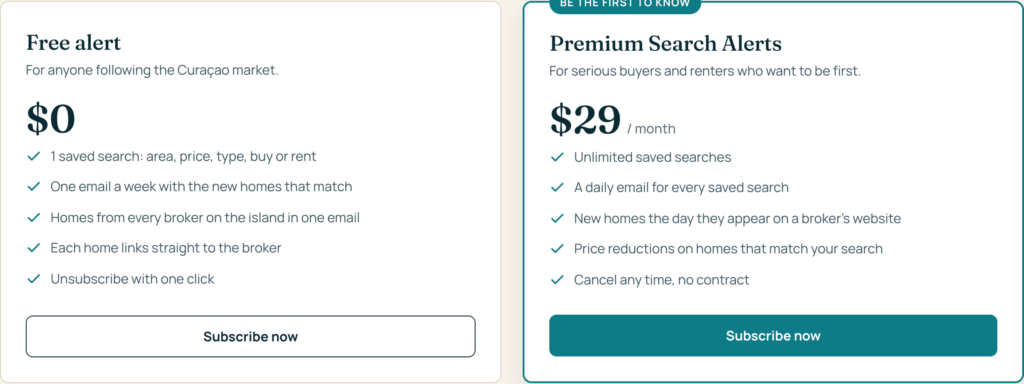
Free gives you one search alert, e-mailed once a week (on Monday). You need no account: you change or stop it with the links in each e-mail.
Premium Search Alerts costs US$ 29 a month. You get as many search alerts as you like, e-mailed every morning (or weekly, per alert, if you prefer), and an account where you add, change, pause and delete them. It renews automatically every month. You can cancel at any time; it then keeps running until the end of the month you already paid for.
Both plans e-mail you new listings that match your search, and price drops of homes for sale (price drops of rentals are not reported yet). Taxes, if they apply to you, are shown at checkout before you pay.
No. We show the whole market in one overview: every home on our site is offered by a broker, and every home page names that broker and links to the broker’s own listing. The broker stays the seller; you contact the broker directly.
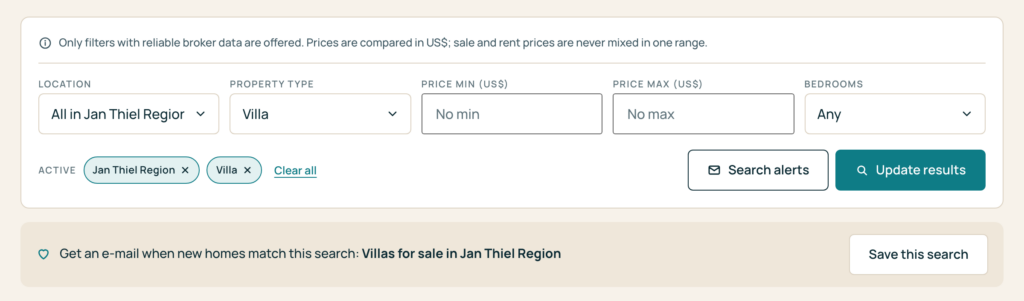
Already looking at homes on the search page? Use Save this search under the filters: the form opens with your search filled in.
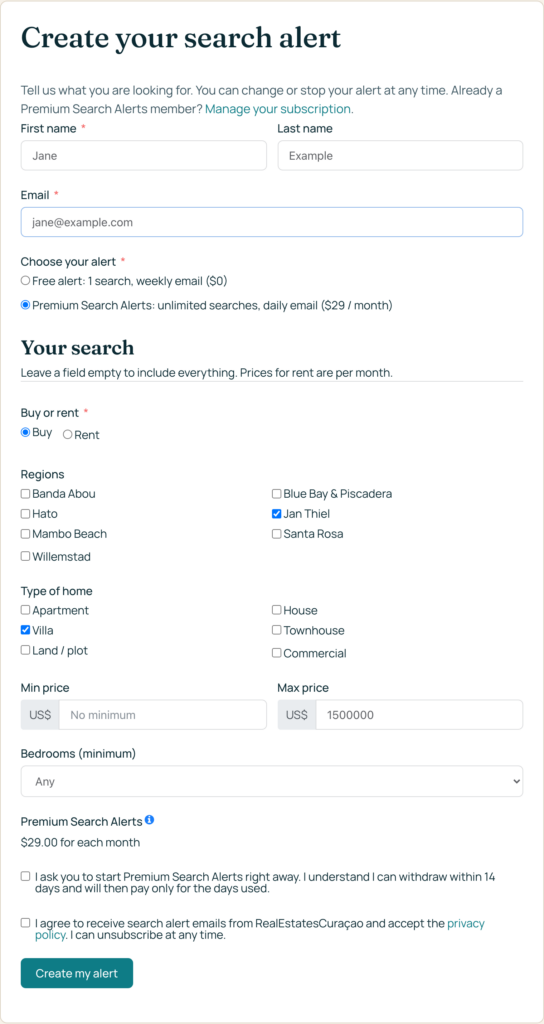
We send you an e-mail with a link to confirm your e-mail address. Your alert starts as soon as you confirm. Nothing is sent before that, and if you did not ask for it, simply ignore the e-mail.
Once your alert is active you receive a short e-mail saying so, with your search in plain words and the homes that match right now.
When you send the form with Premium Search Alerts chosen, you go to the secure checkout of Stripe, our payment provider. You pay by card; your card details go to Stripe and never to us. The subscription starts right away and renews automatically every month until you cancel. Customers in the EU and the UK can withdraw within 14 days of signing up and then pay only for the days used.
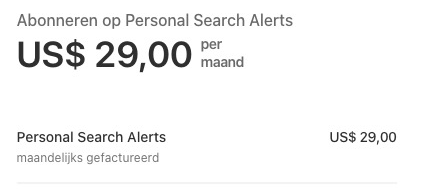
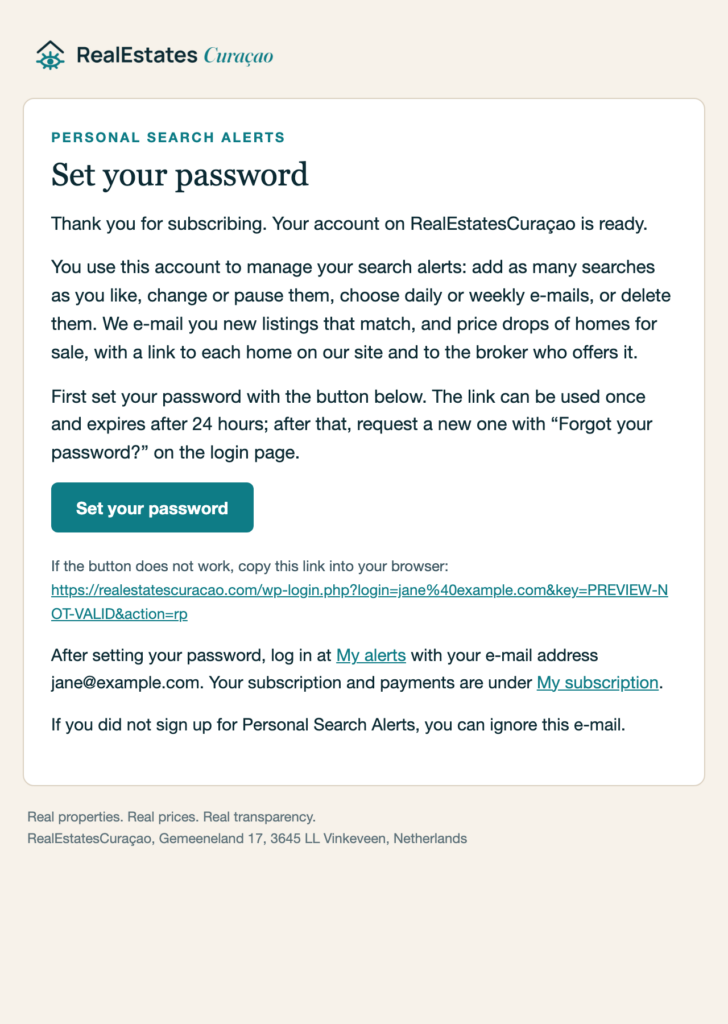
Right after the payment your alert is active, and we create an account for the e-mail address you used. You receive two e-mails: one saying your search alert is active, and one with the subject “Set your password for RealEstatesCuraçao”.
Open the second one and choose a password with the button. The link works once and expires after 24 hours. Missed it? Use “Forgot your password?” on the login page and we send a new link.
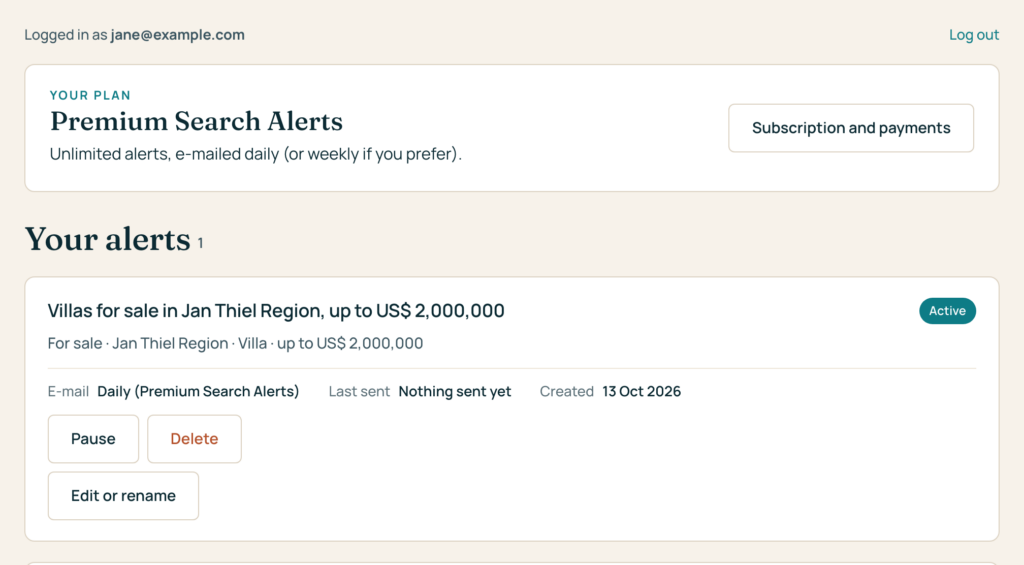
Go to My alerts and log in with your e-mail address and password.
You see every alert with its search, its status, how often it is e-mailed and when we last sent it. For each alert you can:
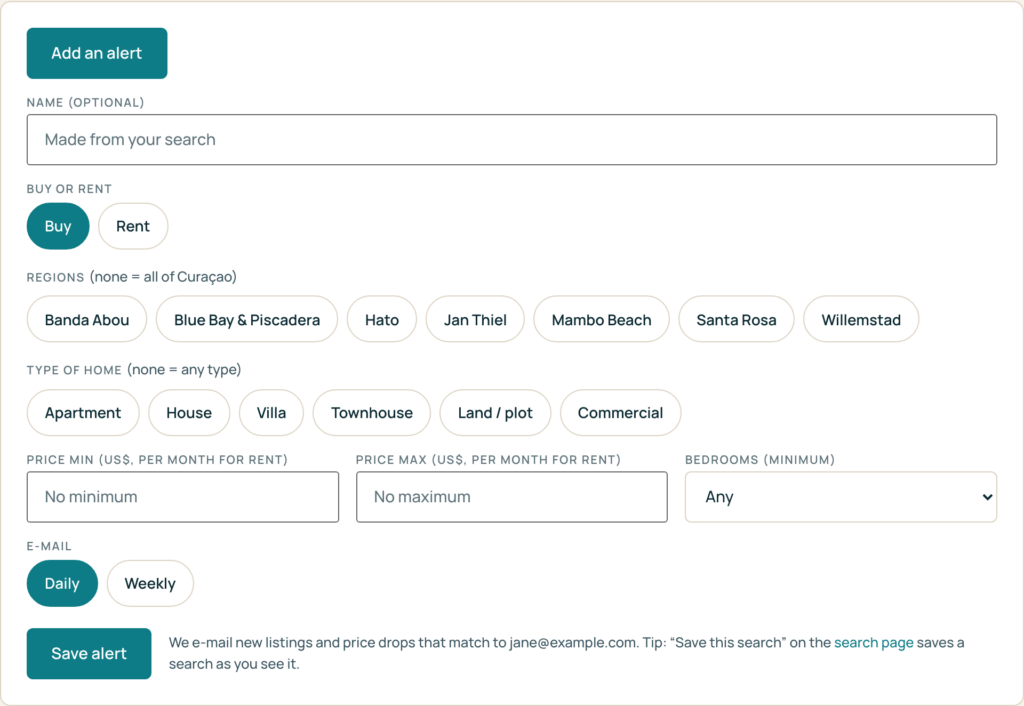
With Add an alert you create a new one with the same choices as the sign-up form. With Premium Search Alerts there is no limit.
On the search page, choose your filters in the Filters tab. Under the filters you see Save this search:
The Search alerts button next to the search forms on the site takes you to the search alerts page.
Every alert e-mail has a Manage this alert link to switch the alert off or on again. To change the search itself, fill in the sign-up form again with the same e-mail address: after you confirm it, the new search replaces the old one. Until then your current alert keeps running.
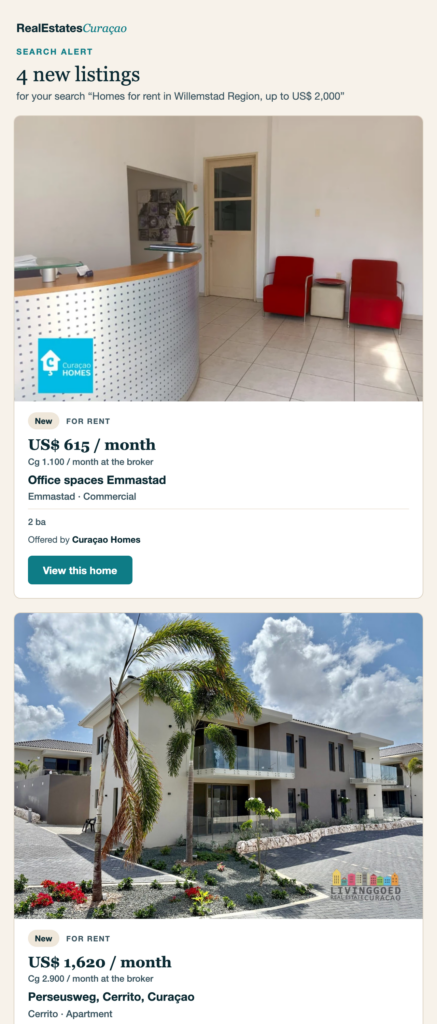
The homes that are new on our site and match your search, and price drops of homes for sale that match it. For each home: a photo, the price, the area and type, the main facts, the broker who offers it, and a button to the home on our site, which links on to the broker’s own listing.
Prices are shown in US$ so you can compare them; when a broker uses another currency, the broker’s own price is shown as well. We never combine prices or links from different brokers. Price drops of rentals are not reported yet.
One e-mail shows up to 10 homes; when there are more, a link takes you to all matches on our site.
We check the brokers’ websites every night. Daily alerts are e-mailed in the morning after that check; weekly alerts on Monday. When nothing new matches, you get no e-mail.
An alert only contains homes that appeared on our site after your alert started and that the broker first listed at most two weeks earlier, so you are not sent a broker’s whole existing catalogue. A home must also match every part of your search. All current matches are always on the search page.
Log in and go to My subscription. There you see your Premium Search Alerts subscription and its payments, and you can cancel it. After cancelling you see the date your subscription ends, and you can undo the cancellation until then.

After you cancel, Premium Search Alerts keeps running until the end of the month you already paid for; that month is not refunded. On that date your account falls back to Free. Nothing is deleted: your newest alert continues as a Free alert, e-mailed weekly, and your other alerts are paused and kept. Subscribe again and they all start again. The same happens if a renewal payment cannot be collected and the subscription ends.
Every alert e-mail has an Unsubscribe link; many e-mail apps also show their own unsubscribe button for it. One click stops that alert. You can switch it on again with the Manage this alert link. Members can also pause or delete alerts in My alerts.
Unsubscribing from an alert does not cancel a Premium Search Alerts subscription; you cancel that in My subscription.
For a search alert we store your name and e-mail address, your searches (with their name, how often they are e-mailed and their status), when you gave and confirmed your consent, and which homes we e-mailed you, so the same new listing is not sent to you twice (a home can come back later when its price drops). With Premium Search Alerts we also keep your account (your password only as a secure hash) and the status and payments of your subscription. Your card details stay with Stripe.
A deleted alert stops and is kept only as a record marked deleted. To have your data removed, e-mail [email protected]. More in our privacy policy.